i dont really… WANT… to leave tumblr. ive been here since 2011
no other platform has the right format for me to just randomly barf actual thoughts, joaks, and genuine creative content all in the same breath. i dont know how to compartmentalize
every other platform you gotta be a real person. Here you are you’re icon and username and whatever your hyperfixation is at the current moment
on tumblr you can make a post that just says “minecraft” and get 50k notes, where on twitter you have to steal tweets and instagram you have to be hot. tumblr is more like a bunch of kids let loose in walmart where there are no rules and the only god is a bald swedish man
Everyone loves to shit on this site but the truth is no major social media platform fosters a sense of community quite like tumblr nor does it generate such valuable conversations (amidst a lot of bullshit granted but there’s no escaping that anywhere on the internet)…….like the kinds of genuine love n connection that are created via tumblr are absolutely unique to the platform and I don’t know why or what it is and I sure as hell don’t attribute the quality to anything the staff has ever done but it doesn’t matter, there is something special about it here, an accident maybe but over its 11 years of existence it’s consistently bridged a gap between traditional text-based blogging and more recently popular photo-centric social networking that allows for more humanity & innovation than I’ve found anywhere else, and I’ll be the first to say I’m only leaving when they drag me out by my ankles and u bet your bottom dollar I’ll be kicking and screaming.
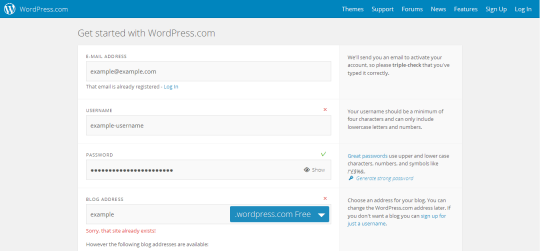
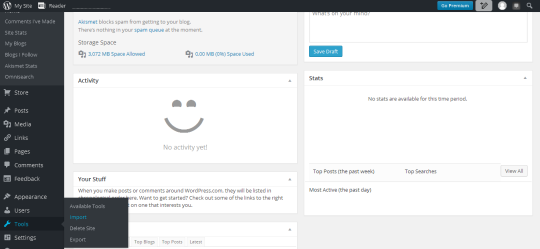
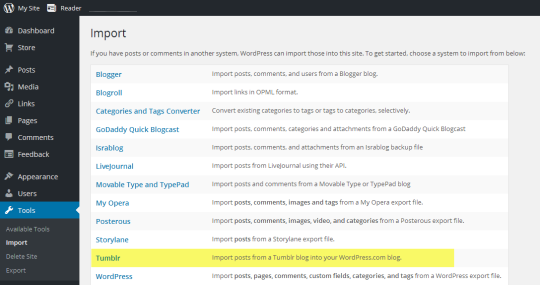
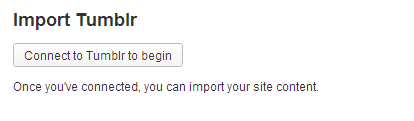
I started importing my blog to WordPress, and it sent me an email with the subject “Goodbye Tumblr, Hello WordPress” and it honestly got a pretty big laugh out of me
i dont really… WANT… to leave tumblr. ive been here since 2011
no other platform has the right format for me to just randomly barf actual thoughts, joaks, and genuine creative content all in the same breath. i dont know how to compartmentalize
If Tumblr ends up going down in flames, you can find me @godzillanon on Twitter. I don’t post a ton there, but it’ll certainly become my primary if everything goes to shit here





 [screaming externally]